AI Receptionist Onboarding: What to Expect in Your First 7 Days
If you’re a clinic owner—whether in chiropractic, dermatology, podiatry, urgent care, med spa, or family medicine—you know that front-desk inefficiencies cost y
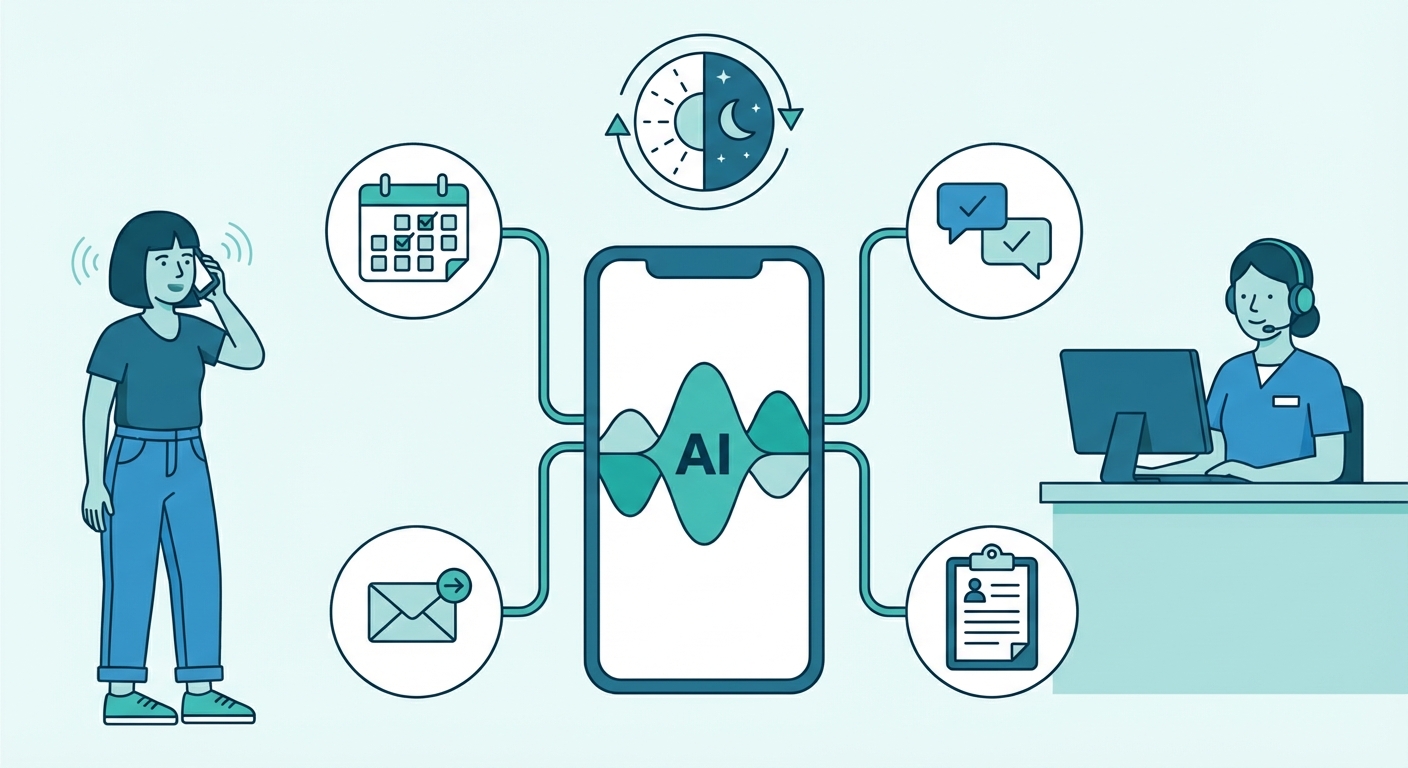
If you’re a clinic owner—whether in chiropractic, dermatology, podiatry, urgent care, med spa, or family medicine—you know that front-desk inefficiencies cost you patients, revenue, and sanity.
Missed calls = lost appointments. Overwhelmed staff = errors. After-hours inquiries = frustration.
That’s why you’re considering MedReceptionist by AISS Solutions, an AI-powered virtual receptionist that handles calls, scheduling, and patient inquiries 24/7—without breaking the bank.
But how does onboarding actually work? What can you realistically expect in the first week?
This guide breaks down exactly what happens in your first 7 days with MedReceptionist—from setup to full automation—so you can hit the ground running.
Day 1: Account Setup & Clinic Customization (30-60 Minutes)
Your onboarding begins the moment you sign up. Here’s what happens:
1. Choose Your Plan ($199/month flat)
MedReceptionist is one flat rate per practice—no tiers, no call caps, no per-line fees:
| Option | Price | Lines | Calls/Month | Best For |
|---|---|---|---|---|
| MedReceptionist (standalone) | $199/mo flat | Unlimited | Unlimited | Any practice, any size |
| With any MedSiteAI website plan | $149/mo flat | Unlimited | Unlimited | Practices bundling a MedSiteAI website |
2. Clinic Profile Configuration
You’ll input:
- Clinic name, address, hours (including after-hours protocols)
- Provider names & specialties (so the AI knows who’s who)
- Services offered (e.g., "Botox injections," "sports physicals," "diabetic foot care")
- Insurance accepted (if applicable)
- Services: Acne treatments, skin cancer screenings, Mohs surgery
- Providers: Dr. Smith (Board-Certified Dermatologist), PA Jones (Cosmetic Specialist)
3. Call Flow & Greeting Setup
You’ll customize:
- Main greeting (e.g., "Thank you for calling [Clinic Name]. How can we help you today?")
- After-hours message (e.g., "Our office is closed, but our AI assistant can schedule your next appointment or answer questions.")
- Call routing rules (e.g., "Press 1 for appointments, 2 for billing, 3 for urgent care")
4. EHR/PMS Integration (If Applicable)
MedReceptionist integrates with major EHR/PMS systems, including:
- Athenahealth
- Epic
- NextGen
- Practice Fusion
- ChARM EHR
- Jane App
- Solutionreach
- And more (API available for custom setups)
- No double data entry – Patient info auto-syncs.
- Real-time scheduling – AI checks provider availability.
- Reduced no-shows – Automated reminders pull from your EHR.
- Pull open slots from the schedule.
- Book appointments directly into ChARM.
- Send confirmations via SMS/email.
Day 2: AI Training & Script Refinement (1-2 Hours)
This is where MedReceptionist learns your clinic’s voice.
1. Upload FAQs & Common Patient Questions
You’ll provide:
- Frequently asked questions (e.g., "Do you take Medicare?" "What’s your cancellation policy?")
- Standard responses (e.g., "Yes, we accept Medicare. Please bring your card to your first visit.")
- Q: "Do you treat plantar fasciitis?"
- A: "Yes! Dr. Lee specializes in plantar fasciitis treatments, including custom orthotics and shockwave therapy. Would you like to book an evaluation?"
2. Define Urgent vs. Non-Urgent Calls
MedReceptionist can triage calls based on keywords.
Example Rules:- Urgent: "Chest pain," "severe allergy," "broken bone" → Immediately transfer to on-call provider.
- Non-Urgent: "Prescription refill," "appointment change" → AI handles it.
- If a patient says, "I think I have a UTI," the AI can:
- Book them in the next open slot.
- Send pre-visit instructions.
3. Test the AI with Real Scenarios
You’ll simulate calls to ensure the AI responds correctly.
Test Cases to Try:✅ "I need to reschedule my 3 PM appointment with Dr. Chen."
✅ "What’s your policy on same-day appointments?"
✅ "I think I have strep throat—can I come in today?"
✅ "Do you offer telehealth visits?"
If the AI misinterprets something, you can adjust the script on the spot.Day 3: Phone Number & Multi-Line Setup (30-60 Minutes)
1. Porting Your Existing Number (Or Getting a New One)
- Option 1: Port your current number (takes 24-48 hours).
- Option 2: Get a new local or toll-free number (instant).
- Assign separate numbers to each office.
- Route calls based on location, specialty, or language preference.
- Have two different greetings.
- Direct calls to the correct clinic’s schedule.
2. Set Up Call Forwarding Rules
You can configure:
- Time-based routing (e.g., "After 5 PM, send calls to the AI.")
- Staff overflow (e.g., "If all lines are busy, AI takes the call.")
- Emergency bypass (e.g., "If caller says ‘emergency,’ ring the on-call doctor’s cell.")
- 8 AM - 5 PM: Calls go to front desk first, then AI if unanswered.
- 5 PM - 8 AM: AI handles all calls, with urgent cases forwarded to the on-call nurse.
Day 4: Staff Training & Workflow Integration (1-2 Hours)
1. Train Your Team on the New System
Your staff will learn:
✔ How to access the MedReceptionist dashboard (for manual overrides).
✔ How to review AI-generated appointment bookings.
✔ How to update availability in real time.
Example Workflow for a Dermatology Clinic:- AI books a new patient for a skin check.
- Staff verifies insurance & sends a welcome packet.
- AI sends an SMS confirmation with pre-visit instructions.
2. Set Up Automated Follow-Ups
MedReceptionist can automate:
- Appointment confirmations (SMS/email).
- Reminder calls (24 hours before).
- No-show follow-ups ("We missed you! Reschedule here.").
- Reduces no-shows by 30-50% (industry average).
- Frees up staff from manual reminder calls.
- Before MedReceptionist: Staff spends 2 hours/day on reminder calls.
- After MedReceptionist: 0 hours—AI handles it all.
Day 5: Soft Launch & Real-World Testing
1. Run a "Shadow Mode" Test
For 24 hours, MedReceptionist listens in on calls but doesn’t take over.
- You’ll see transcripts of how it would have responded.
- Adjust any misunderstandings before full deployment.
2. Monitor First Live Calls
Once you flip the switch, the AI starts taking calls.
- Listen to recordings (available in the dashboard).
- Check for accuracy in booking, messages, and responses.
- Clinic-specific terminology (e.g., "Is this a ‘well-woman exam’ or ‘annual physical’?")
- Local nuances (e.g., "Do you take [Regional Insurance X]?")
Day 6: Optimization & Fine-Tuning
1. Review Call Analytics
MedReceptionist provides daily reports on:
- Call volume (peak hours, busiest days).
- Common questions (so you can refine FAQs).
- Booking conversion rate (how many callers become patients).
- If 50% of after-hours calls are about prescription refills, you can:
- Set up auto-responses for common meds.
2. Adjust for Seasonal or Special Cases
- Flu season? Add a prompt: "We have flu shots available—would you like to schedule one?"
- Holiday hours? Update the greeting to reflect modified availability.
Day 7: Full Automation & Scaling Up
By now, MedReceptionist is handling 80-90% of routine calls without human intervention.
1. Expand to Additional Features
- Multi-language support (Spanish, Mandarin, etc.).
- Payment collection (via Stripe/PayPal integration).
- Telehealth scheduling (for virtual visits).
- AI can:
- Collect deposits for high-demand services.
2. Plan for Growth
- Adding a new provider? Update the AI’s schedule in minutes.
- Opening a new location? Spin up a new line under the same account.
Real Results from Clinics Using MedReceptionist
| Clinic Type | Before MedReceptionist | After MedReceptionist | ROI |
|---|---|---|---|
| Chiropractic (5 providers) | 30 missed calls/day | 0 missed calls | +$12K/month (from recovered bookings) |
| Dermatology (Solo MD) | Staff spent 10 hrs/week on calls | 2 hrs/week (only for complex issues) | Saved $3,000/month in labor |
| Urgent Care (2 locations) | 40% of after-hours calls unanswered | 100% answered | +20% patient volume |
| Med Spa | 15% no-show rate | 5% no-show rate | +$8K/month in retained revenue |
| Family Medicine | Patients waited 5+ minutes on hold | Instant response | 4.9/5 patient satisfaction |
Common Onboarding Questions (FAQ)
❓ How long does full setup take?
- Basic setup: 1-2 days (if you have your info ready).
- Full optimization: 7 days (as outlined above).
❓ Can I keep my existing phone number?
- Yes! Number porting takes 24-48 hours.
❓ What if the AI gets something wrong?
- You can edit responses in real time.
- Human override is always available.
❓ Do I need an EHR to use MedReceptionist?
- No. It has a built-in scheduler, but EHR integration saves time.
❓ Can I try it before committing?
- MedReceptionist is month-to-month—no long-term contracts, cancel anytime. Book a demo to see it live before you commit.
Next Steps: Get Started Today
Here’s your 7-day onboarding checklist:
✅ Day 1: Sign up, choose a plan, customize clinic profile.
✅ Day 2: Train the AI with FAQs & call scripts.
✅ Day 3: Set up phone numbers & call routing.
✅ Day 4: Train staff & integrate with EHR.
✅ Day 5: Soft launch & test calls.
✅ Day 6: Optimize based on analytics.
✅ Day 7: Go fully live & scale.
Stop losing patients to missed calls and inefficient scheduling.Get started month-to-month at medreceptionist.com—typically live within 24 hours, no long-term contract required.